How to Build Step-by-Step Checklists with Runbooks in ZartonAI
Turn the procedures in your head into checklists your crew can follow, prove and improve — linked right to the job
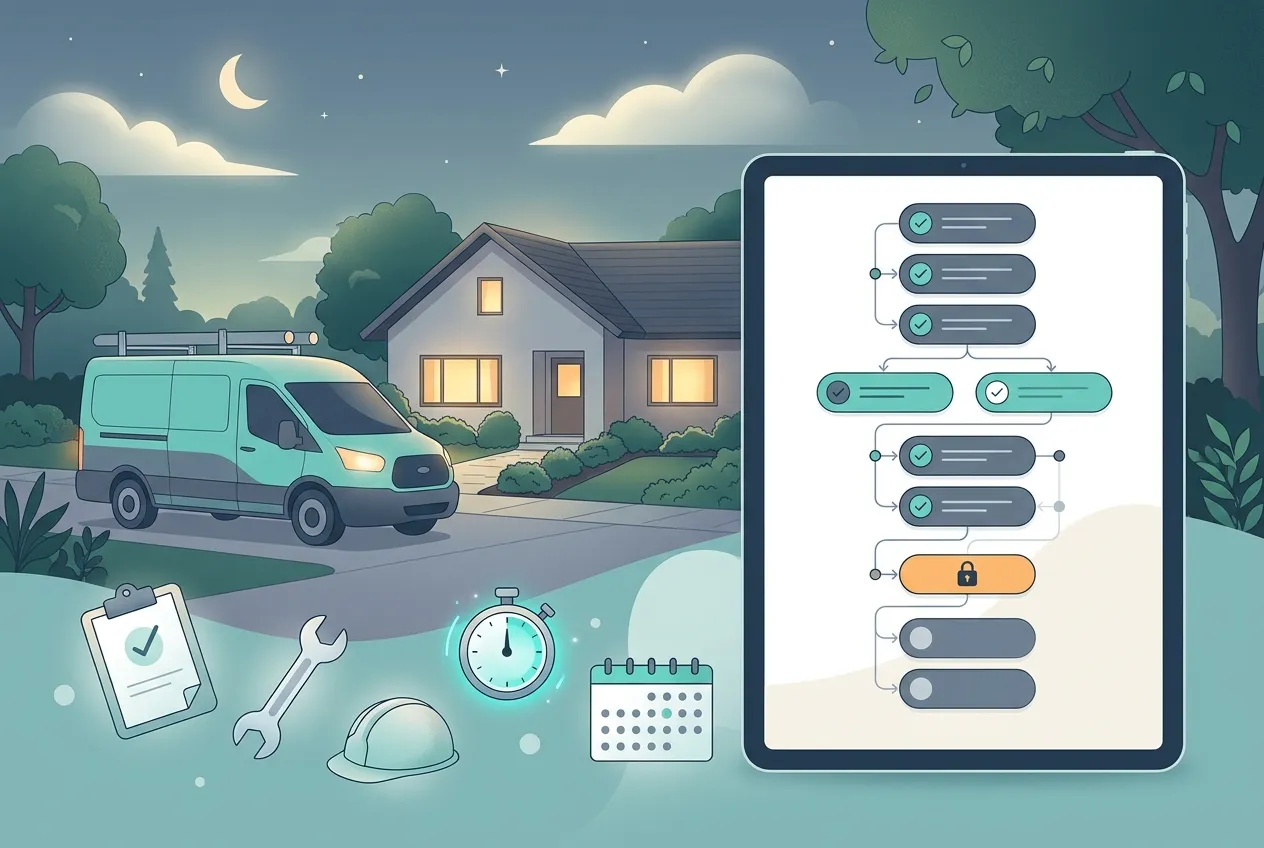
Every trade business has a few jobs that must be done exactly right, every time: the emergency no-heat call at 9 p.m., the final walkthrough before you hand back the keys, the first day for a new apprentice. Most of the time those steps live in the owner’s head — and they get skipped the day the owner isn’t there.
This guide shows you how to build step-by-step checklists with runbooks in ZartonAI. A runbook turns “how we do it here” into a numbered procedure where each step says how you prove it was done, steps that depend on each other stay locked until they are ready, and every run leaves a record you can look back on.
What a runbook is, in plain terms
A runbook is a checklist with teeth. It has a profile — when to use it, what it covers, what you need first, safety warnings and how to undo a mistake — and a procedure made of phases and steps. Each step carries a verify line, an owner and an estimated time. When you need it, you start a run: a live copy your crew works through, step by step, with a timeline of who did what and when.
Because runs can be linked to a job, the checklist your tech followed on a service call sits right on that job, next to the photos, visits and work plan described in our guide to running jobs from first call to final invoice.
How to build step-by-step checklists with runbooks in ZartonAI
- Start from a template, or create a new runbook. Give it a short, specific name — “No-heat emergency call”, “Job closeout”, “New hire first day”. If something close already exists, clone it instead: ZartonAI copies every step and its order into a new draft you can adapt, so you never retype a procedure you already wrote.
- Write the “when to use it” line as something you can see. The summary is the first thing someone reads, often before they know what is wrong. Describe what they will notice — “Customer reports no heat and the thermostat shows a call for heat” — not the cause you suspect. Then fill in the profile: purpose, what the checklist covers and what it does not, what you need before starting (keys, permits, parts, access), safety warnings and how to undo a step that goes wrong.
- Break the work into phases and steps. Group the work into phases — for example Arrive, Make safe, Fix, Check and hand over — and put the actions under each phase. You can nest steps further when one action has parts. For each phase, choose whether its steps must be done in order or can be done in any order, and add a rough time in minutes to each step.
- Give every step a “how do we know it worked” line. This is the heart of a runbook. Every action carries a verify line that says what proof looks like: “Breaker is labeled and locked out; tester shows no voltage”, “Customer signed off on the walkthrough”. A step without one cannot be completed during a run, so the checklist can’t be ticked off from memory.
- Link steps that depend on each other. Some steps must wait for others, even in a different phase — you don’t restore power before the inspection step is verified. Mark those dependencies, and ZartonAI keeps the waiting step locked until the earlier one is proved. It refuses loops where two steps wait on each other, since neither could ever finish.
- Assign owners and capture the numbers that matter. Put a person or a response group on each step, so the step that stalls is never the one everyone thought someone else had. Where a step needs to record something — a pressure reading, a permit number, who you called — attach a form to it. You can make that form required, so the step can’t be verified until it is filled in.
- Review, rehearse and publish. Run a review to get a readiness score and a list of what is missing, such as an owner or a step without proof. A rehearsal checks the plan without doing anything or telling anyone: whether it fits its time target, whether every step can be reached, and whether one person is carrying the whole critical path. When it looks right, publish it. Publishing freezes that version, so a checklist already in progress isn’t reshuffled by later edits.
- Run it, tick it off and close it. Start a run and say what it is — a real emergency, a test or practice run, a daily routine or a one-off request — and link it to a job so it shows on that job’s page. As the crew works, steps are marked doing, blocked or verified, and every change lands on a timeline. When you close the run, record what happened and what should change in the checklist next time; those notes stay with the runbook.
Three checklists worth building first
| Checklist | Run it as | Example steps with proof |
|---|---|---|
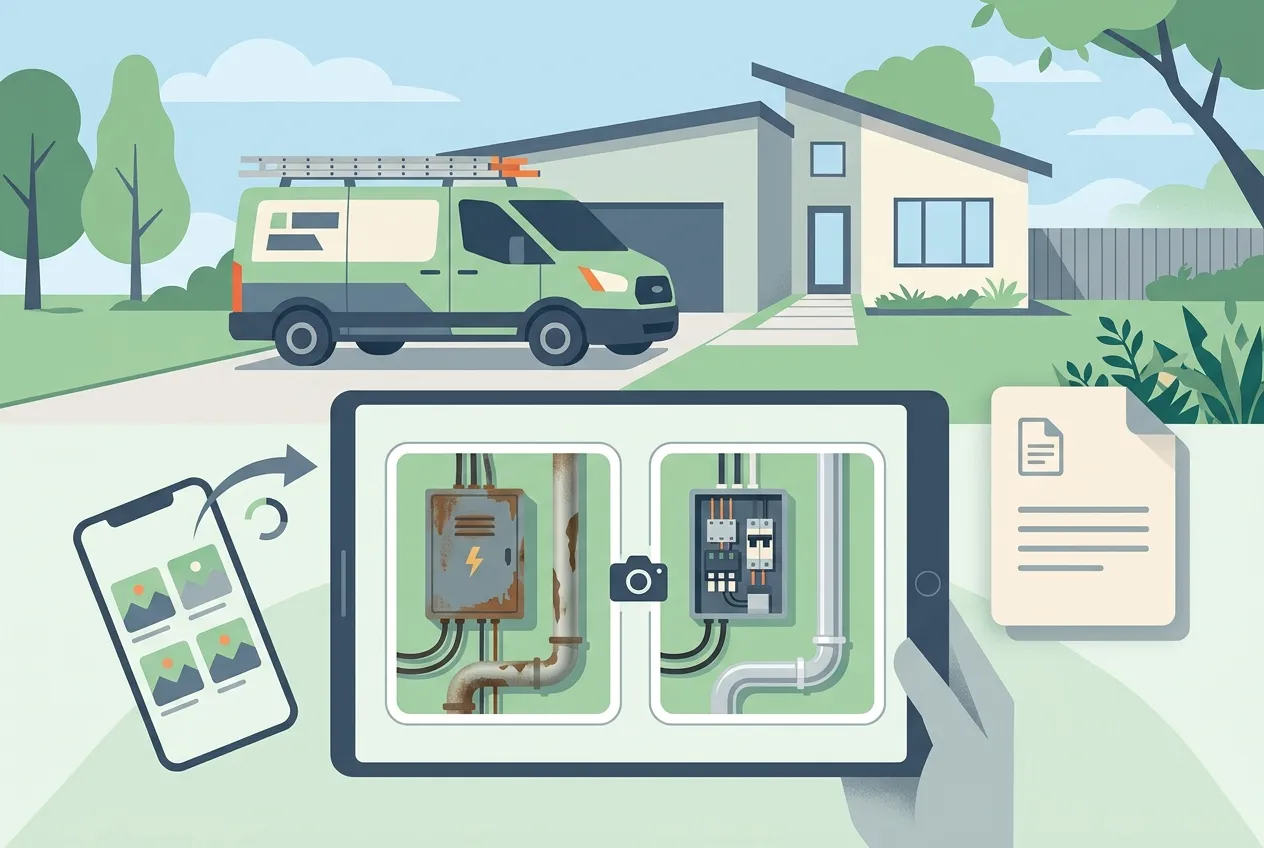
| Emergency call-out (no heat, no power, active leak) | A real emergency, linked to the job | Confirm the address and access notes · Make the site safe (proof: isolation tagged) · Photograph the fault · Agree next steps with the customer |
| Job closeout | A one-off request, linked to the job | Clean up and remove debris · Test the work (proof: reading recorded on the form) · Walk the customer through it · After photos uploaded |
| Morning truck and crew check | A daily routine | Vehicle walk-around done · Today’s jobs and parts confirmed · Safety gear present (proof: each item ticked) |
Tips and common mistakes
- Write proof, not intentions. “Check the breaker” can’t be proved. “Breaker is off and tester shows zero volts” can. Fix the steps without proof first — the review flags them for you.
- Don’t over-order. Only make a phase strict when the order really matters. Steps that can happen in parallel should be left free, so two techs can work at once.
- Name a backup owner. The owner will be on vacation the one week you need the checklist. A backup owner and a response group keep it moving.
- Practice before it counts. Do a test run on a quiet day. It shows you which steps are vague long before a customer is waiting.
- Use the closing notes. The moment you close a run is the only time everyone still remembers which step was wrong. Write it down as an improvement note.
Do it with Claude
ZartonAI works with Claude through the Zarton connector, so you can write and run checklists by describing them. Claude can draft the profile and the whole procedure in one go — with a verify line on every step — review and rehearse it, and tell you what to do next during a run, including why a step is still locked. Publishing a runbook and starting or updating a run reach your team, so those only work when “Allow actions” is switched on for the connection. Claude also asks what a run represents before starting one, because that choice can’t be changed later. Try requests like:
“Write a runbook for our no-heat emergency calls: arrive, make safe, diagnose, fix or make temporary, hand over. Every step needs a way to prove it.”
“Review the job closeout checklist and fix any steps that can’t be proved.”
“Rehearse the storm response runbook — does it fit in two hours?”
“Start the closeout checklist for JOB-41 as a one-off request.”
“What’s left on the run for the Oak Street call, and why is the restore step locked?”
If you want a regular picture of the business alongside your checklists, pair this with the daily owner briefing.
Frequently asked questions
Isn’t a runbook just for IT outages?
The tool came from incident response, but the idea fits any job that has to be done the same way every time. In ZartonAI a run can be a real emergency, a practice run, a daily routine or a one-off request, and it can be linked to a customer job — so a closeout checklist or a no-heat call works just as well as an outage plan.
What stops someone ticking a step without doing it?
Every step needs a verify line that says what proof looks like, and steps that depend on others stay locked until those are verified. You can also attach a required form to a step, so it can’t be verified until the reading or reference number is recorded.
Can I change a checklist after it is published?
Yes. Keep editing it and publish again when you are ready. Each publish is a new version, and runs that were already started keep the version they began with, so nobody’s checklist changes under their feet halfway through a job.
Can I reuse a checklist for a similar job?
Yes. Clone a template or an existing runbook and ZartonAI copies every step, in order, with its dependencies, into a new draft. Adapt the copy — change the wording, the proof lines or the owners — instead of writing a similar procedure from scratch.
Related reading
Get the procedure out of your head and onto the job. Build your first checklist in ZartonAI and run it on your next service call.
Try it at zartonai.com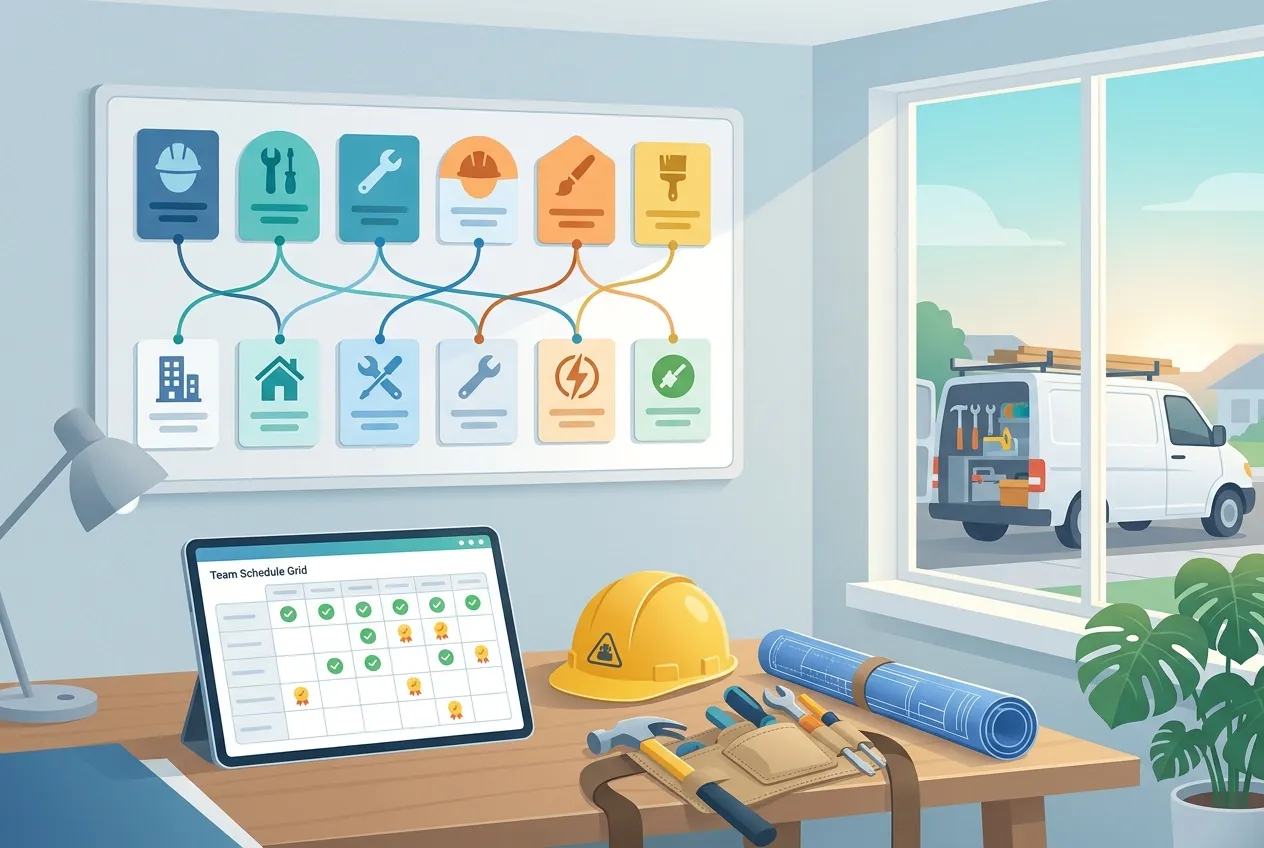







Comments
No comments yet — be the first to share your thoughts.
Join the discussion