“Quote the Miller panel upgrade, good/better/best, and send it.”
Builds the estimate from your rates and materials with three options, shows it to you, and sends it when you say yes. Miller picks an option and signs on their link.
For electricians, plumbers, HVAC, body shops & contractors
From the first call to the final payment: one connected app, and an AI that actually does the work.
Ask the assistant inside ZartonAI, or Claude on your phone, on the web or in Claude Code. Anything that sends, signs or charges waits for your yes.
The money loop
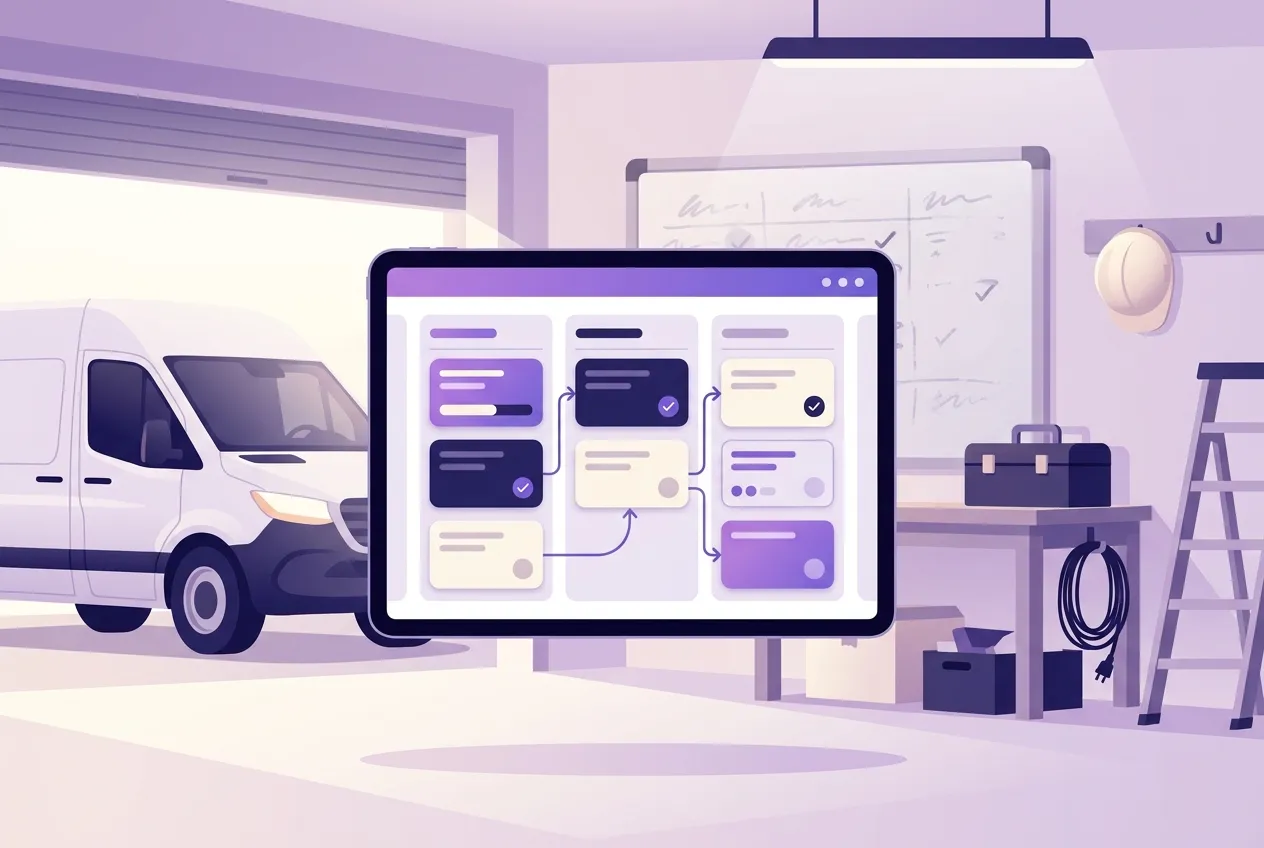
One record follows the job the whole way. Nothing gets typed twice, and nothing falls through the cracks between the quote and the cash.
An enquiry lands from your website. The AI rates it and drafts a reply.
Ana Ruiz · KitchenLine items from your rates, with good, better and best options.
EST-14 · $4,200.00The customer picks an option and signs on their link. Deposit invoice follows.
Better · deposit $1,260Scheduled, staffed, done and photographed. Before and after report for the customer.
JOB-208 · 3 visitsThe balance, never more than agreed. Reminders go out on their own.
INV-42 · $2,940.00Payment recorded, job closed, and the numbers show what it really cost.
Paid Oct 27Built for the trades
Talk to it like a business partner
It uses the same actions a person on your team would. When something would send, sign or charge, it stops and asks you first.
“Quote the Miller panel upgrade, good/better/best, and send it.”
Builds the estimate from your rates and materials with three options, shows it to you, and sends it when you say yes. Miller picks an option and signs on their link.
“Who still owes us money?”
Lists every open invoice by how late it is, with the total outstanding, and offers to send reminders to the ones that are overdue.
“What happened while I was on the roof today?”
New enquiries, signed estimates, payments in, photos the crew uploaded, and anything that's waiting on you. In one answer.
“Ana's job is done. Bill it.”
Drafts the final invoice for what's left on the signed estimate, never more than was agreed, and attaches the before and after report. Then it waits for your yes.
It works while you work
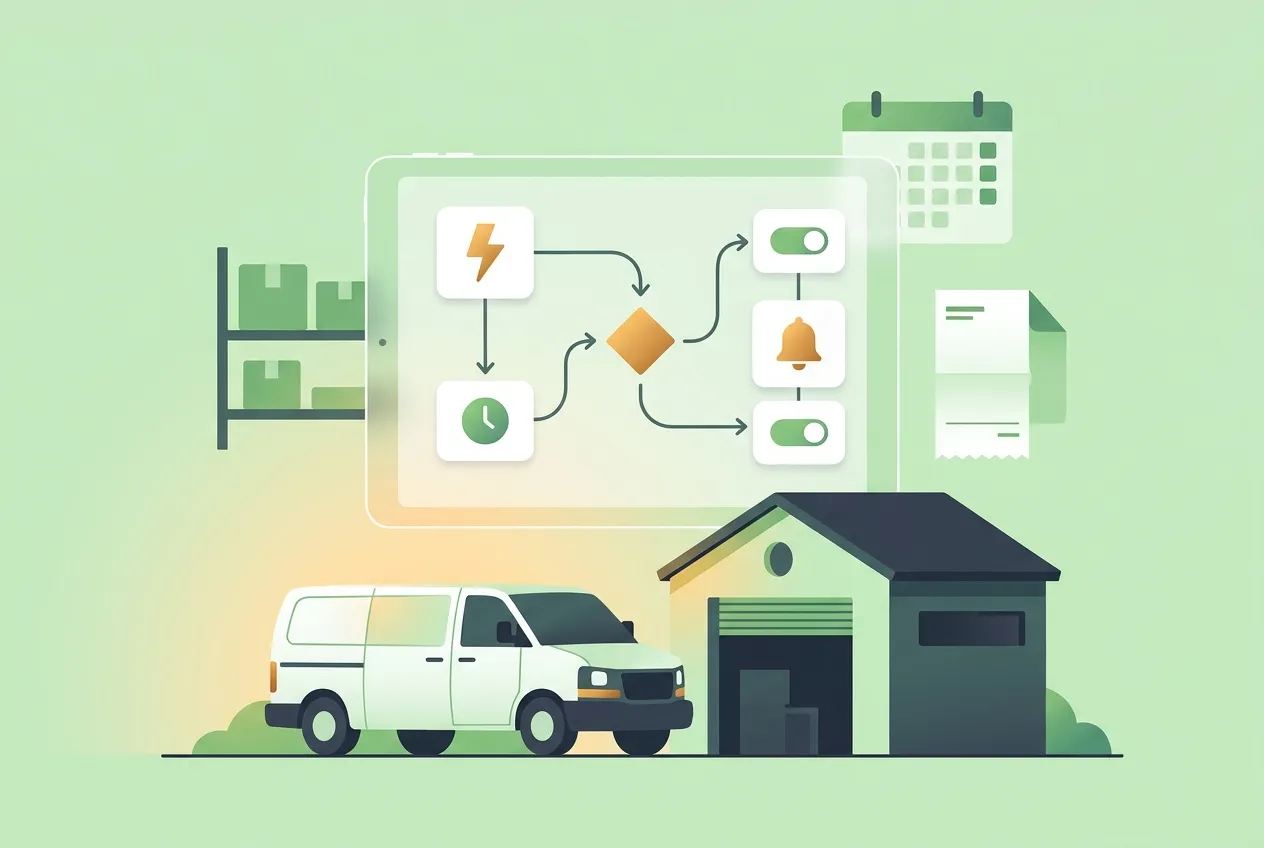
Scheduled routines check in on your business through the day and only bother you when something needs a decision.
One connected app
From the blog
Set up your business, connect Claude or use the built-in assistant, and switch on Autopilot.