Passkeys Explained: How Passwordless Sign-In Actually Works
The cryptography behind the login that phishing pages can't steal
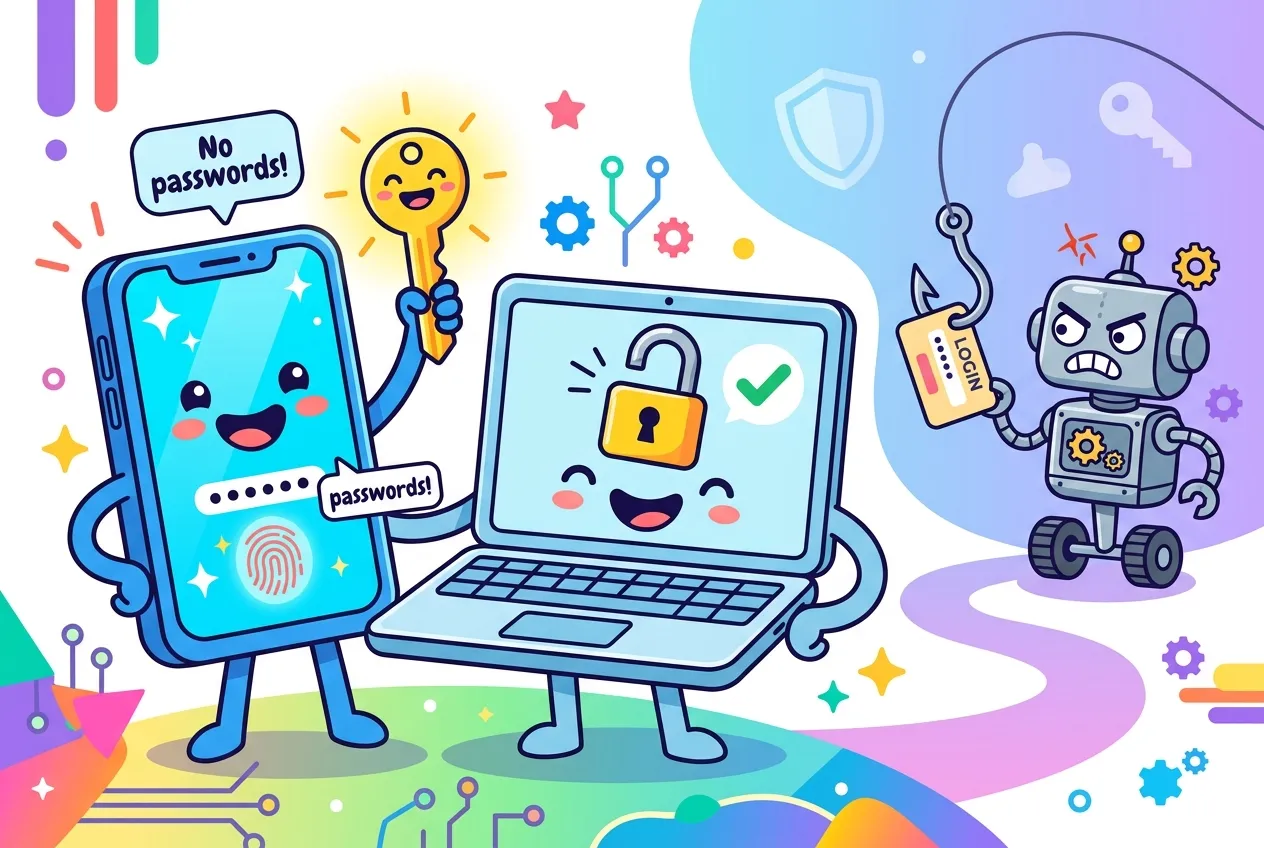
Passwords get phished, reused and leaked by the billion. Passkeys swap the secret you type for a cryptographic key your phone or laptop keeps to itself, and they quietly change what a fake login page can steal: nothing.
If you have recently been asked to "create a passkey" by your bank, email provider or online store, you have met the biggest change to everyday sign-in in decades. This guide explains how passkeys work under the hood, why they resist phishing, what the trade-offs are, and what developers need to add one to a website.
What is a passkey?
A passkey is a sign-in credential built on the FIDO standards. Instead of a shared secret, it is a key pair: a private key that stays on your device (or in your encrypted password manager) and a public key that the website stores. You unlock it the same way you unlock your device, with a fingerprint, face scan, PIN or pattern.
Three properties make it different from a password:
- One passkey per service. Each passkey is created for a single site, so there is nothing to reuse across accounts.
- The server holds no secret. A breached database only exposes public keys, which cannot be used to sign in.
- It refuses to work on the wrong site. The browser and operating system enforce which site a passkey belongs to, so users do not have to spot look-alike domains themselves.
How passkeys work: the sign-in handshake
Passkeys on the web use the Web Authentication API (WebAuthn), which browsers expose to JavaScript. There are two ceremonies: registration, when the passkey is created, and authentication, when it is used.
1. Registration
- The server generates a random challenge and sends it along with details about itself (the relying party) and the user.
- The page calls
navigator.credentials.create(). The device asks you to confirm with your screen lock. - Your authenticator generates a brand-new key pair and returns the public key, tagged with the site's identity.
- The server checks the challenge and origin, then saves the public key against your account.
2. Authentication
- The server issues a fresh challenge.
- The page calls
navigator.credentials.get(); you approve with your fingerprint or PIN. - The authenticator signs the challenge with the private key. The signed data also includes the page's origin.
- The server verifies the signature with the stored public key and confirms the challenge and site match.
// Simplified browser-side flow (server endpoints are placeholders)
const opts = await fetch("/webauthn/login/options", { method: "POST" })
  .then(r => r.json());

const assertion = await navigator.credentials.get({
  publicKey: PublicKeyCredential.parseRequestOptionsFromJSON(opts),
});

await fetch("/webauthn/login/verify", {
  method: "POST",
  headers: { "Content-Type": "application/json" },
  body: JSON.stringify(assertion.toJSON()),
});Synced vs. device-bound passkeys
Not all passkeys live in the same place. The FIDO Alliance describes two kinds, and the difference matters for both convenience and risk.
| Type | Where the key lives | Strengths | Best for |
|---|---|---|---|
| Synced | A passkey provider such as a platform keychain or password manager, synced end-to-end encrypted | Survives a lost phone; available on your new devices automatically | Most consumer and workplace accounts |
| Device-bound | A single device, such as a hardware security key, and never copied | Highest assurance; the key cannot leave the hardware | Admins, high-risk roles, regulated environments, backup recovery |
What about signing in on a computer that has none of your passkeys? Google's developer guidance describes a cross-device option: the laptop shows a QR code, you scan it with the phone that holds the passkey, Bluetooth confirms the two devices are physically near each other, and you approve on the phone. It works across operating systems and browsers.
Passkeys vs. passwords and one-time codes
| Password | Password + SMS/app code | Passkey | |
|---|---|---|---|
| Something to remember | Yes | Yes | No |
| Stolen in a server breach | Hashes can be cracked | Password half can be | Only public keys exposed |
| Phishing-resistant | No | No; codes can be relayed | Yes, bound to the site |
| Steps to sign in | Type | Type, then wait for a code | Unlock your device |
The FIDO Alliance cites Verizon's finding that most hacking-related breaches involve stolen credentials, plus vendor-reported results such as Amazon seeing faster sign-ins and Google seeing higher sign-in success with passkeys than passwords. Those numbers come from interested parties, but the direction is consistent.
Adding passkeys to your website: a developer checklist
- Serve over HTTPS. WebAuthn only works in a secure context.
- Use a fresh, random challenge every time (at least 16 bytes), store it server-side for the session, and accept it once.
- Verify origin and relying-party ID on every registration and sign-in response.
- Use a maintained server library rather than hand-rolling CBOR parsing and signature checks.
- Offer autofill. Conditional mediation with
autocomplete="username webauthn"lets passkeys appear in the username field next to saved passwords, which eases the transition. - Use passkeys for reauthentication before sensitive actions instead of asking for the password again.
- Plan recovery. Let users register more than one passkey and keep a tested recovery path; treat it like any other disaster recovery runbook for your application.
- Keep your markup clean. Proper labels and form semantics help both autofill and assistive tech, as covered in our guide to semantic HTML fundamentals.
MDN also warns relying parties against maintaining allowlists of specific authenticator models; for most sites, accepting any standards-compliant authenticator is the better default.
Key takeaways
- A passkey is a public/private key pair: the private half stays with you, the site keeps only the public half.
- Signatures are tied to the real website's origin, which is why passkeys resist phishing.
- Synced passkeys favor convenience and recovery; device-bound passkeys favor maximum assurance.
- For developers, WebAuthn handles the cryptography; your job is challenges, verification, autofill and recovery.
Frequently asked questions
Is my fingerprint or face sent to the website?
No. Biometrics only unlock the passkey locally on your device. The website receives a signature, never your biometric data.
What happens if I lose my phone?
If your passkeys are synced through a provider, they are available on your other signed-in devices or a replacement. Device-bound passkeys are lost with the device, so keep a second passkey or another recovery method registered.
Can I use a passkey on a friend's or work computer?
Yes, with cross-device sign-in: scan the QR code shown on that computer with your phone and approve there. The passkey itself stays on your phone.
Are passkeys the same as two-factor authentication?
A passkey combines possession of the device with your screen-lock check in one step, so many sites treat it as strong multi-factor sign-in on its own, without a separate code.

Comments
No comments yet — be the first to share your thoughts.
Join the discussion