How HTTPS Works: Inside the TLS Handshake That Guards Every Click
What your browser and a server agree on in the milliseconds before the padlock appears

That little padlock in your address bar is doing a lot of work. Before a single byte of a web page reaches you, your browser and a server you have never met agree on secret keys, check an identity card and lock the conversation so nobody in between can read or change it. The whole exchange usually finishes faster than you can blink.
This guide explains how HTTPS works in plain terms: what TLS actually protects, how the TLS 1.3 handshake sets up a secure channel in a single round trip, what a certificate proves, why certificates are about to expire much faster, and the settings site owners should get right.
HTTPS is just HTTP inside a TLS tunnel
HTTPS is not a separate web protocol. It is ordinary HTTP, the same requests and responses, carried inside a connection secured by Transport Layer Security (TLS). TLS replaced the older SSL protocol long ago, though the old name lives on in phrases like "SSL certificate." Whatever you call it, TLS gives every connection three guarantees:
- Confidentiality. Traffic is encrypted, so people on the same Wi-Fi, your internet provider or anyone on the path sees only scrambled bytes.
- Integrity. Every record is authenticated, so any tampering in transit is detected and the connection fails rather than delivering altered content.
- Authentication. The server proves it holds the private key for a certificate issued for that domain, so you know you reached the real site and not an impostor.
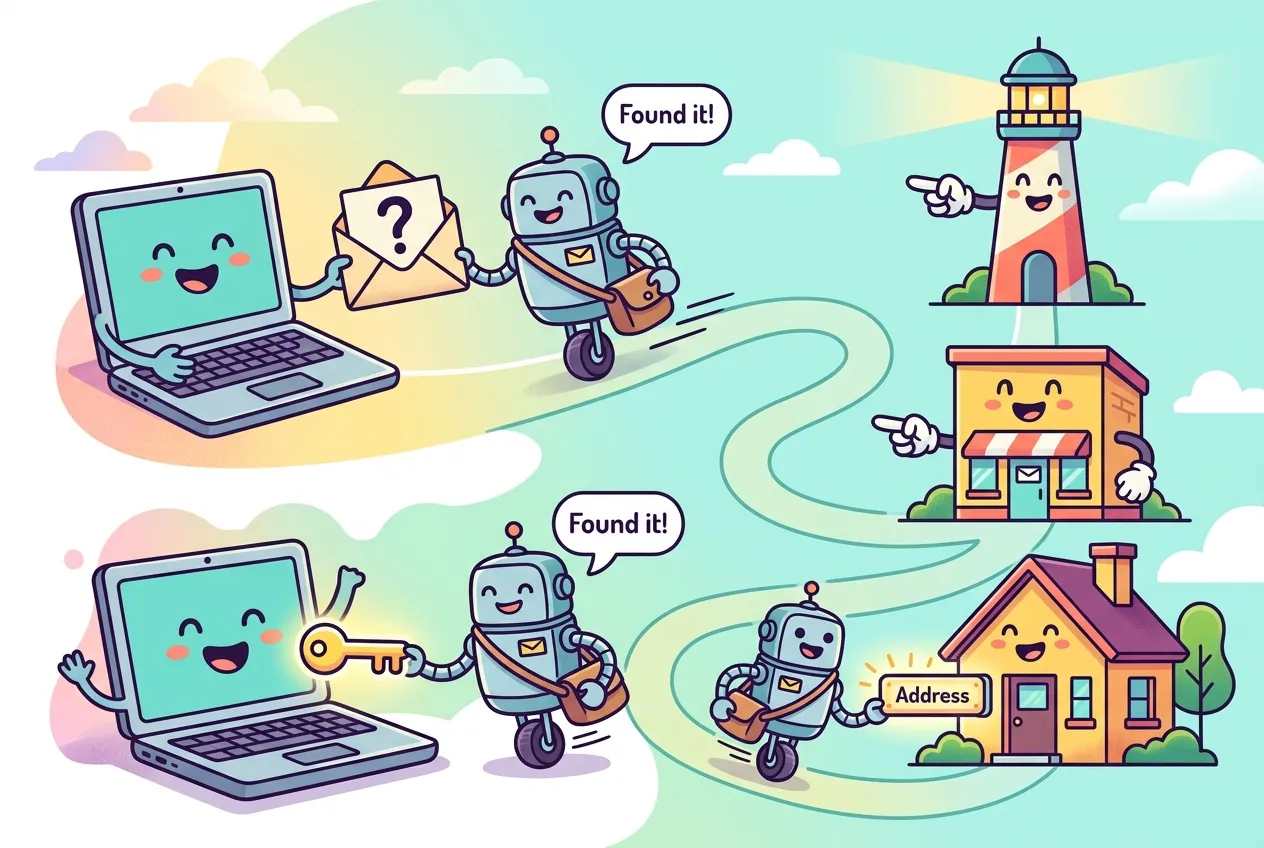
Before TLS even starts, your device has already turned the site's name into an IP address. If you want that earlier step explained, see our guide on how DNS turns a web address into an IP.
How HTTPS works: the TLS 1.3 handshake step by step
The handshake is the opening conversation where the two sides agree on how to encrypt and establish trust. TLS 1.3, first published by the IETF as RFC 8446 in 2018 and revised as RFC 9846 in July 2026, streamlined it dramatically. The trick is that the client guesses which key-exchange method the server will accept and sends its share up front, so no extra back-and-forth is needed.
- Client Hello. Your browser sends the TLS versions and short list of cipher suites it supports, a random value and a key share: its half of an ephemeral Diffie-Hellman exchange.
- Server Hello. The server picks the cipher suite and replies with its own key share. At this point both sides can compute the same shared secret without ever sending it across the wire.
- Encrypted from here on. Everything after the Server Hello is encrypted, including the server's certificate, a signature proving it owns the matching private key, and a Finished message that confirms nothing was tampered with.
- Client verification. The browser checks the certificate chain and signature, then sends its own Finished message.
- Application data. Both sides now use fast symmetric session keys derived from the shared secret, and your HTTP request goes out.
Because the client's key share rides along with its very first message, a fresh TLS 1.3 connection needs only one round trip before data flows, compared with two for a typical TLS 1.2 handshake.
What TLS 1.3 threw away
Much of TLS 1.3's security comes from removing options. Per the RFC, it dropped static RSA and static Diffie-Hellman key exchange, compression, legacy non-AEAD ciphers and renegotiation. The result is that every connection uses ephemeral keys, which gives forward secrecy: even if a server's long-term private key leaks years later, recorded past sessions still cannot be decrypted.
Certificates: the internet's ID cards
Encryption alone is not enough. You could set up a perfectly encrypted channel with an attacker. The certificate is what proves you are talking to the right party. It binds a domain name to a public key, and it is signed by a certificate authority (CA) that your browser or operating system already trusts, often through an intermediate certificate that chains back to a trusted root.
How does a CA know you control a domain? Let's Encrypt, the free automated CA, describes the process behind its ACME protocol:
- Your ACME client creates an account key pair and asks the CA what it must do to prove control of the domain.
- The CA issues challenges, such as placing a file at a well-known URL on the site or publishing a specific DNS record.
- The CA checks the result from multiple network vantage points, which makes it harder for an attacker to fake.
- Your client submits a signed certificate signing request, the CA issues the certificate, and the certificate is recorded in public Certificate Transparency logs.
Those public logs matter: anyone, including you, can monitor them to spot a certificate issued for your domain that you did not request.
Certificate lifetimes are shrinking fast
In April 2025 the CA/Browser Forum, the group of certificate authorities and browser makers that sets the rules, approved ballot SC-081 to steadily cut the maximum lifetime of public TLS certificates. The first step has already happened.
| Certificates issued from | Maximum validity | What it means in practice |
|---|---|---|
| Before March 15, 2026 | About 1 year (398 days) | Annual manual renewal was common |
| March 15, 2026 | 200 days | Renew roughly twice a year |
| March 15, 2027 | 100 days | Renew about every quarter |
| March 15, 2029 | 47 days | Manual renewal becomes impractical; automate |
Shorter lifetimes limit how long a stolen or mistakenly issued certificate stays useful. The practical lesson is simple: if anyone on your team still renews certificates by hand, plan the switch to ACME automation now, and add certificate expiry to your monitoring and your disaster recovery runbook.
Checking and hardening HTTPS on your own site
You can watch a real handshake from a terminal. These commands show the negotiated protocol, cipher and certificate details:
# See the TLS version, cipher and certificate chain
openssl s_client -connect example.com:443 -servername example.com </dev/null

# Print just the certificate's validity dates
openssl s_client -connect example.com:443 -servername example.com </dev/null 2>/dev/null \
  | openssl x509 -noout -dates

# Check which security headers a site sends
curl -sI https://example.com | grep -i strict-transport-servername flag sends SNI, which tells shared hosts which site's certificate to present.A short hardening checklist for site owners:
- Prefer TLS 1.3 and keep TLS 1.2 only for older clients; disable anything older.
- Automate renewals with an ACME client and alert well before expiry.
- Redirect HTTP to HTTPS with a permanent 301 redirect.
- Send HSTS. The
Strict-Transport-Securityheader tells browsers to use HTTPS for your domain from then on and blocks users from clicking through certificate errors. MDN notes it cannot protect the very first visit; the browser preload list closes that gap. - Fix mixed content so every script, image and stylesheet also loads over HTTPS.
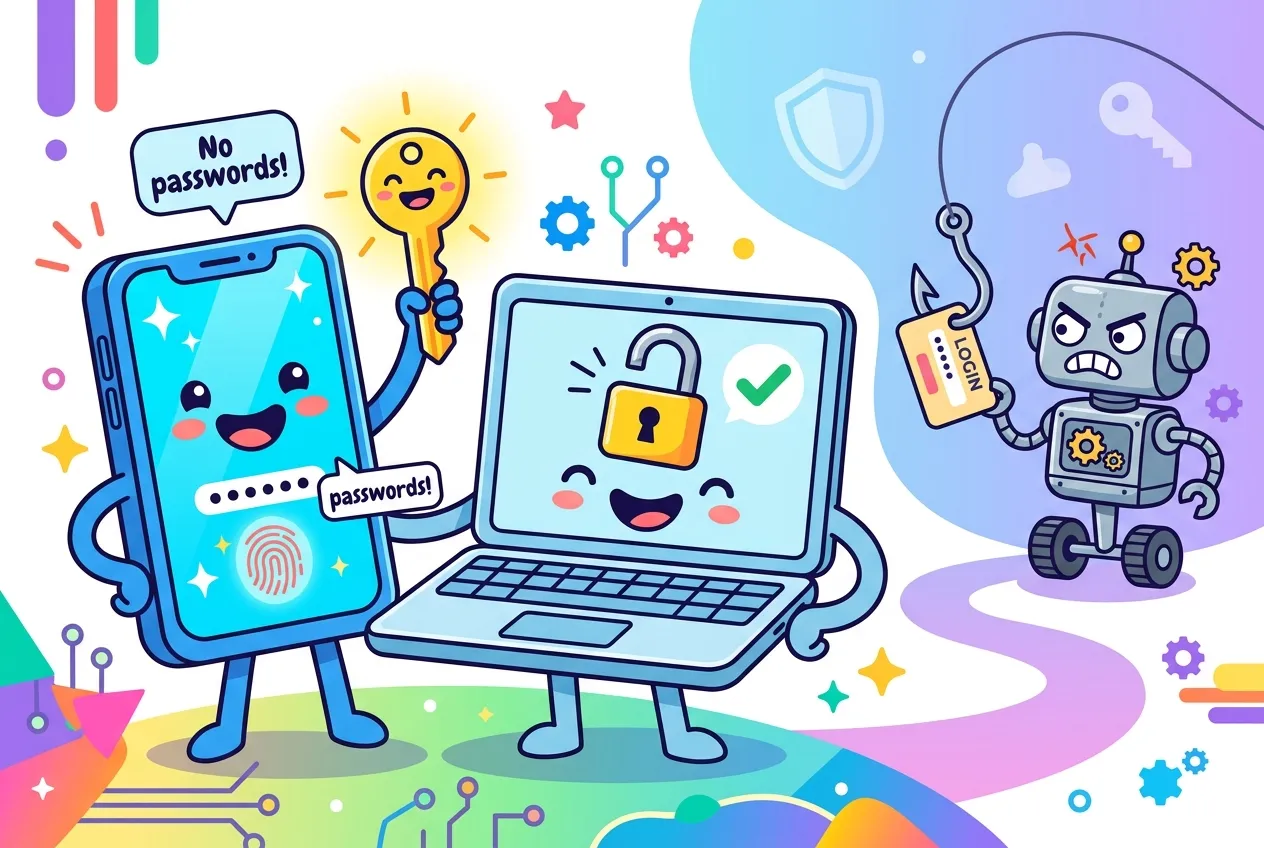
HTTPS is also a prerequisite for modern browser features such as phishing-resistant passkeys, which only work in a secure context.
Key takeaways
- HTTPS is regular HTTP carried inside TLS, which adds encryption, integrity checks and server authentication.
- TLS 1.3 sets up a connection in one round trip and encrypts everything after the Server Hello.
- Ephemeral key exchange gives forward secrecy; 0-RTT trades some of that for speed and must be used carefully.
- Certificates prove identity, and their maximum lifetime falls to 47 days by 2029, so automation is essential.
- HSTS, HTTP-to-HTTPS redirects and clean mixed content finish the job.
Frequently asked questions
Does the padlock mean a website is safe?
It means your connection to that domain is encrypted and the server proved it controls the domain. It says nothing about whether the site's owner is trustworthy, so phishing sites can have padlocks too.
Is SSL the same as TLS?
TLS is the successor to SSL. Modern sites use TLS 1.2 or 1.3, but the older name stuck, which is why people still say "SSL certificate."
Can my employer or internet provider see what I do on HTTPS sites?
A network observer can usually see which servers you connect to, but not the pages, form data or content. Managed work devices can be configured to inspect traffic, so different rules apply there.
Why do certificates expire at all?
Expiry limits how long a compromised or wrongly issued certificate can be abused and forces regular revalidation of domain control. Shorter lifetimes shrink that risk window further.


Comments
No comments yet — be the first to share your thoughts.
Join the discussion