How Wi-Fi Works: Channels, CSMA/CA, Wi-Fi 7 and WPA3
How dozens of devices share one invisible channel, and what Wi-Fi 6, Wi-Fi 7 and WPA3 actually changed
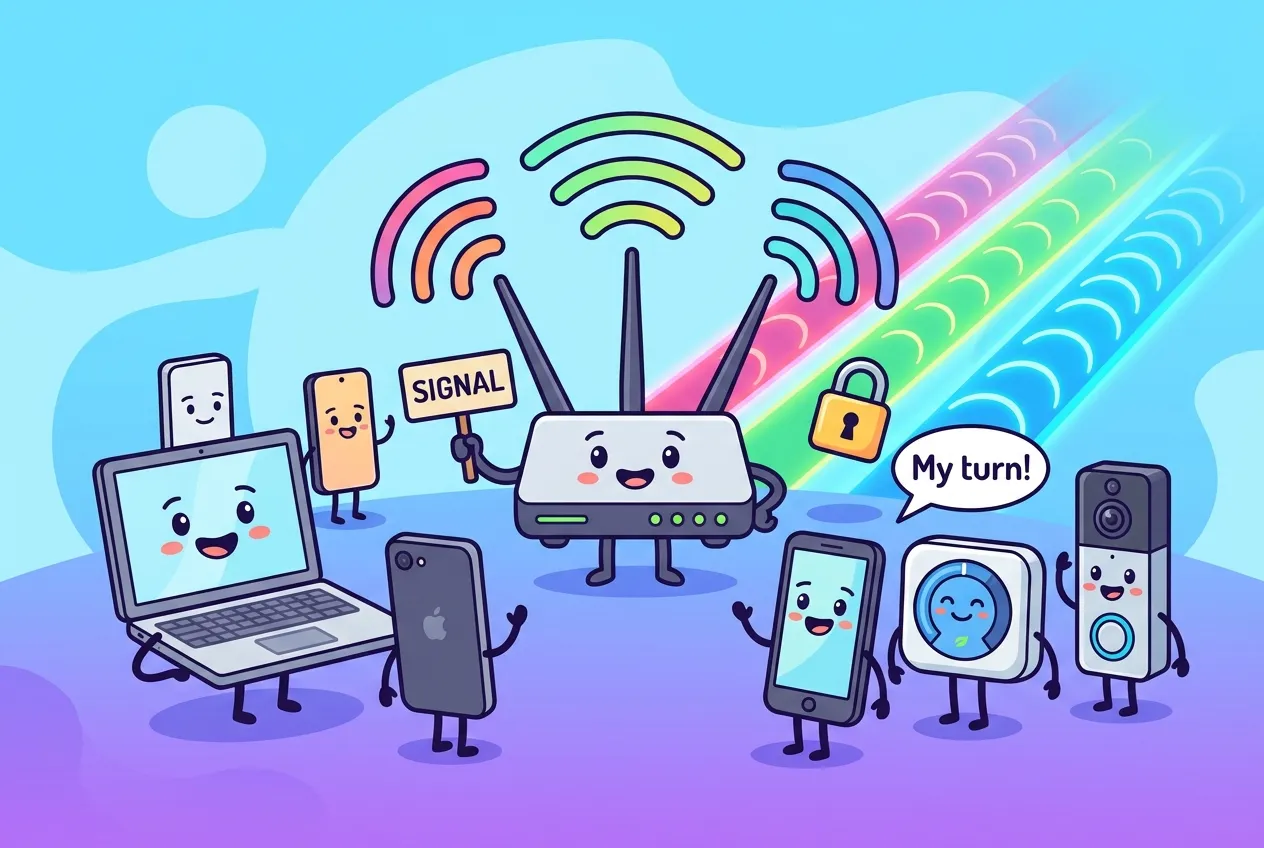
Your laptop, phone, thermostat and doorbell are all shouting into the same invisible room, and somehow they mostly take turns politely. That is not luck. It is a set of rules that has been refined for more than 25 years.
This guide explains how Wi-Fi works in plain terms: the radio bands and channels it uses, the "listen before you talk" rule that keeps devices from trampling each other, what actually changed in Wi-Fi 6 and Wi-Fi 7, and how WPA3 keeps your password safe even from someone recording the airwaves.
Wi-Fi in one paragraph
Wi-Fi is the consumer name for the IEEE 802.11 family of wireless networking standards, with devices tested and certified by the Wi-Fi Alliance. A typical home or office network is a Basic Service Set (BSS): one access point (your router's radio) plus the client devices associated with it. The access point also acts as a bridge, handing frames between the radio side and the wired network behind it.
In 2018 the Wi-Fi Alliance swapped the alphabet soup for generation numbers, the same way cellular uses 4G and 5G:
| Name | IEEE standard | Bands | Headline features |
|---|---|---|---|
| Wi-Fi 4 | 802.11n | 2.4 and 5 GHz | MIMO, 40 MHz channels |
| Wi-Fi 5 | 802.11ac | 5 GHz | Wider channels, 256-QAM, downlink MU-MIMO |
| Wi-Fi 6 / 6E | 802.11ax | 2.4 and 5 GHz; 6E adds 6 GHz | OFDMA, BSS coloring, Target Wake Time, 1024-QAM |
| Wi-Fi 7 | 802.11be | 2.4, 5 and 6 GHz | 320 MHz channels, 4096-QAM, Multi-Link Operation |
Bands and channels: the invisible highways
Wi-Fi runs on unlicensed radio spectrum, which means anyone may transmit there within power limits. That is cheap and convenient, but you share the road with neighbors and with non-Wi-Fi gadgets.
2.4 GHz: long reach, few lanes
The 2.4 GHz band is narrow. Channel centers sit only 5 MHz apart, yet each transmission is roughly 20 MHz wide, so neighboring channels overlap heavily. In the United States, where channels 1 through 11 are used, only 1, 6 and 11 sit far enough apart not to overlap. Microwave ovens, Bluetooth and many smart-home radios share this band too. Its upside is range: lower frequencies get through walls better.
5 GHz: more room, less reach
The 5 GHz band offers far more non-overlapping 20 MHz channels, and they can be bonded into 40, 80 or 160 MHz channels for more speed. Some 5 GHz channels are shared with radar, so access points must use Dynamic Frequency Selection (DFS) and move off a channel if radar appears.
6 GHz: the clean new highway
Wi-Fi 6E opened the 6 GHz band in 2020, spanning roughly 5.925 to 7.125 GHz, or up to 1,200 MHz of new spectrum where rules allow. Because only 6E and newer devices can use it, there is no legacy traffic slowing things down. The trade-off is shorter range, and how much of the band is available still varies by country.
How Wi-Fi works when everyone wants to talk: CSMA/CA
A Wi-Fi channel is half-duplex and shared: only one device on a channel should transmit at a time, and a radio cannot reliably hear a collision while it is busy sending. Wired Ethernet historically detected collisions and backed off afterward. Wi-Fi instead tries to avoid them up front, using Carrier Sense Multiple Access with Collision Avoidance (CSMA/CA). Here is the routine every station follows:
- Listen. The radio checks whether the channel is busy, both by decoding Wi-Fi preambles and by sensing raw energy from any source.
- Wait a fixed gap. The channel must stay idle for a short interval called DIFS before anyone contends.
- Roll a random number. Each station picks a random backoff between zero and its contention window, then counts down in tiny slots (9 microseconds with modern OFDM radios). If someone else starts talking, the countdown pauses and resumes later.
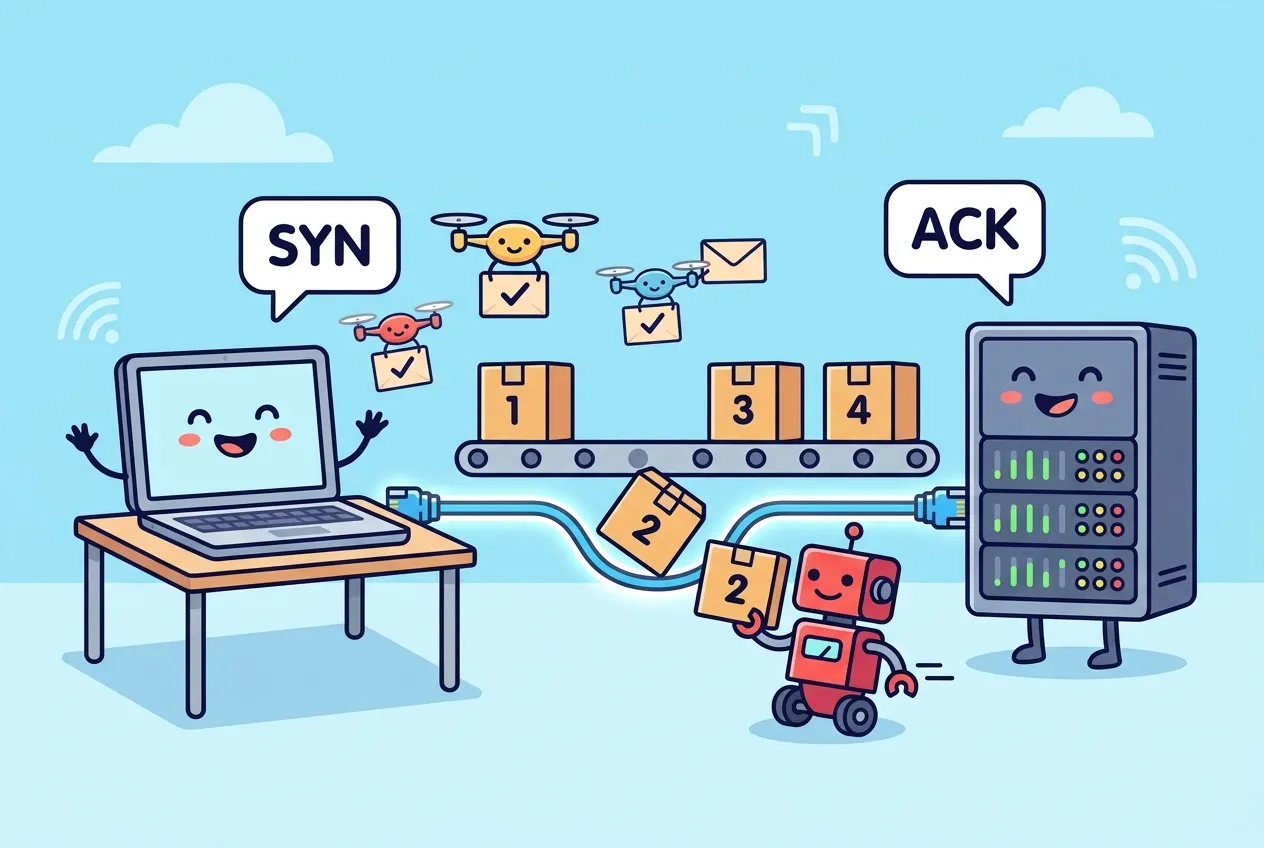
- Transmit and wait for an ACK. Whoever reaches zero first sends its frame. The receiver replies with an acknowledgment.
- Back off harder on failure. No ACK means something went wrong, so the station doubles its contention window (commonly from 15 up to a cap of 1,023 slots) and retries. A success resets it.
Frames also announce how long they will occupy the air. Other stations store that in a timer called the Network Allocation Vector and stay quiet until it expires, a trick known as virtual carrier sense.
This is why Wi-Fi slows down as more devices join. Every device on a channel shares airtime, and retries after collisions or interference waste it. It is also why loss-tolerant congestion control matters on wireless links, a theme we covered in how TCP handles loss and congestion.
What Wi-Fi 6 and Wi-Fi 7 actually changed
Wi-Fi 6: built for crowds
Earlier generations chased peak speed for one device. Wi-Fi 6 focused on efficiency when many devices compete:
- OFDMA splits a channel into smaller resource units so the access point can serve several clients in one transmission. The access point still wins the channel through CSMA/CA first, then schedules who uses which slice.
- BSS coloring tags each network's frames with a color in the header, helping a device decide whether a neighbor network's traffic is weak enough to transmit over.
- Target Wake Time lets the access point schedule when battery-powered devices wake up, so sensors can sleep longer.
- 1024-QAM packs more bits into each symbol when the signal is strong.
Wi-Fi 7: wider, denser, multi-band
- 320 MHz channels in the 6 GHz band, double Wi-Fi 6's widest.
- 4096-QAM, roughly a 20% bump in peak data rate over 1024-QAM under ideal conditions.
- Multi-Link Operation (MLO) lets a device use links on different bands at once, for aggregation or failover.
- Puncturing lets a wide channel skip a busy 20 MHz slice instead of abandoning the whole channel.
Headline numbers are theoretical. Intel, for example, puts the top rate for a two-stream Wi-Fi 7 laptop using 320 MHz, 4096-QAM and MLO at about 5.76 Gbps. Real throughput depends on distance, walls, interference and how many neighbors share your channel.
Wi-Fi security: from WPA2 to WPA3
WPA2 protected Wi-Fi from 2004 onward, but its password mode had a well-known weakness. An attacker who captured the handshake between a client and the access point could take it offline and guess passwords at full speed, the same dictionary-attack logic described in our explainer on how password hashing resists guessing.
WPA3, announced by the Wi-Fi Alliance in 2018, closes that gap:
- SAE (Simultaneous Authentication of Equals) replaces the pre-shared key exchange with a Dragonfly-based handshake. Both sides prove they know the password without sending anything an eavesdropper can test guesses against offline.
- Forward secrecy means each session gets fresh keys, so learning the password later does not unlock traffic recorded earlier.
- Enhanced Open (OWE) encrypts traffic on password-free networks like café hotspots.
- WPA3-Enterprise 192-bit mode raises the cryptographic floor for organizations with strict requirements.
Wi-Fi 6E and Wi-Fi 7 require WPA3 on 6 GHz. Many networks still run a transition mode that accepts both WPA2 and WPA3 clients while older devices age out.
One important limit: Wi-Fi encryption only covers the hop between your device and the access point. Beyond the router, protection comes from HTTPS and the TLS handshake.
See your own Wi-Fi connection
You can inspect the band, channel, signal and security of your connection from a terminal:
# Linux (NetworkManager): nearby networks with channel, signal and security
nmcli -f SSID,CHAN,FREQ,SIGNAL,SECURITY dev wifi list

# Linux: details of the current link (frequency, signal, bitrate)
iw dev wlan0 link

# Windows: current connection, including radio type, channel and auth
netsh wlan show interfacesiw dev on Linux to find yours.Quick wins: on 2.4 GHz, stick to channels 1, 6 or 11; prefer 5 or 6 GHz for devices near the router; and turn on WPA3 or WPA3 transition mode if your hardware supports it.
Key takeaways
- Wi-Fi is IEEE 802.11; an access point and its clients form a Basic Service Set.
- 2.4 GHz reaches farther but has only three non-overlapping channels; 5 and 6 GHz offer more room with shorter range.
- CSMA/CA makes devices listen, wait a random backoff, and confirm delivery with ACKs, because radios cannot detect collisions mid-transmission.
- Wi-Fi 6 improved efficiency in crowds; Wi-Fi 7 adds 320 MHz channels, 4096-QAM and Multi-Link Operation.
- WPA3's SAE handshake blocks offline password guessing and adds forward secrecy.
Frequently asked questions
Why is my Wi-Fi slower than my internet plan?
Wi-Fi airtime is shared and half-duplex, and protocol overhead, distance, walls, interference and neighboring networks all reduce real throughput. A wired connection or a less crowded 5 or 6 GHz channel usually gets closer to your plan's speed.
Should I use 2.4 GHz or 5 GHz?
Use 5 GHz (or 6 GHz if supported) for speed when you are reasonably close to the router. Use 2.4 GHz for range or for simple smart-home devices that only support it.
Do I need a new router to use WPA3?
Not always. Many access points made in the last several years added WPA3 through firmware updates, but both the router and the client device must support it.
Is Wi-Fi 7 worth upgrading to?
Only if your devices support it and you need the capacity. Its biggest gains need Wi-Fi 7 clients and 6 GHz, so older devices will see little difference.
Sources
- arXiv: Wi-Fi: Twenty-Five Years and Counting
- O'Reilly, 802.11 Security: Structure of the 802.11 MAC
- CBT Nuggets: 802.11 Channel Access Methods Explained
- MetaGeek: Why Channels 1, 6 and 11?
- Nokia white paper: What is Wi-Fi 6?
- Intel: What Is Wi-Fi 7?
- HPE: What is Wi-Fi 7?
- RCR Wireless: 802.11ax rebranded as Wi-Fi 6
- Purple: WPA3 Security Guide (SAE, OWE, 192-bit mode)








Comments
No comments yet — be the first to share your thoughts.
Join the discussion