SPF, DKIM and DMARC Explained: How Email Proves Who Sent It
The three DNS records that let Gmail and Outlook tell your real email from a forgery
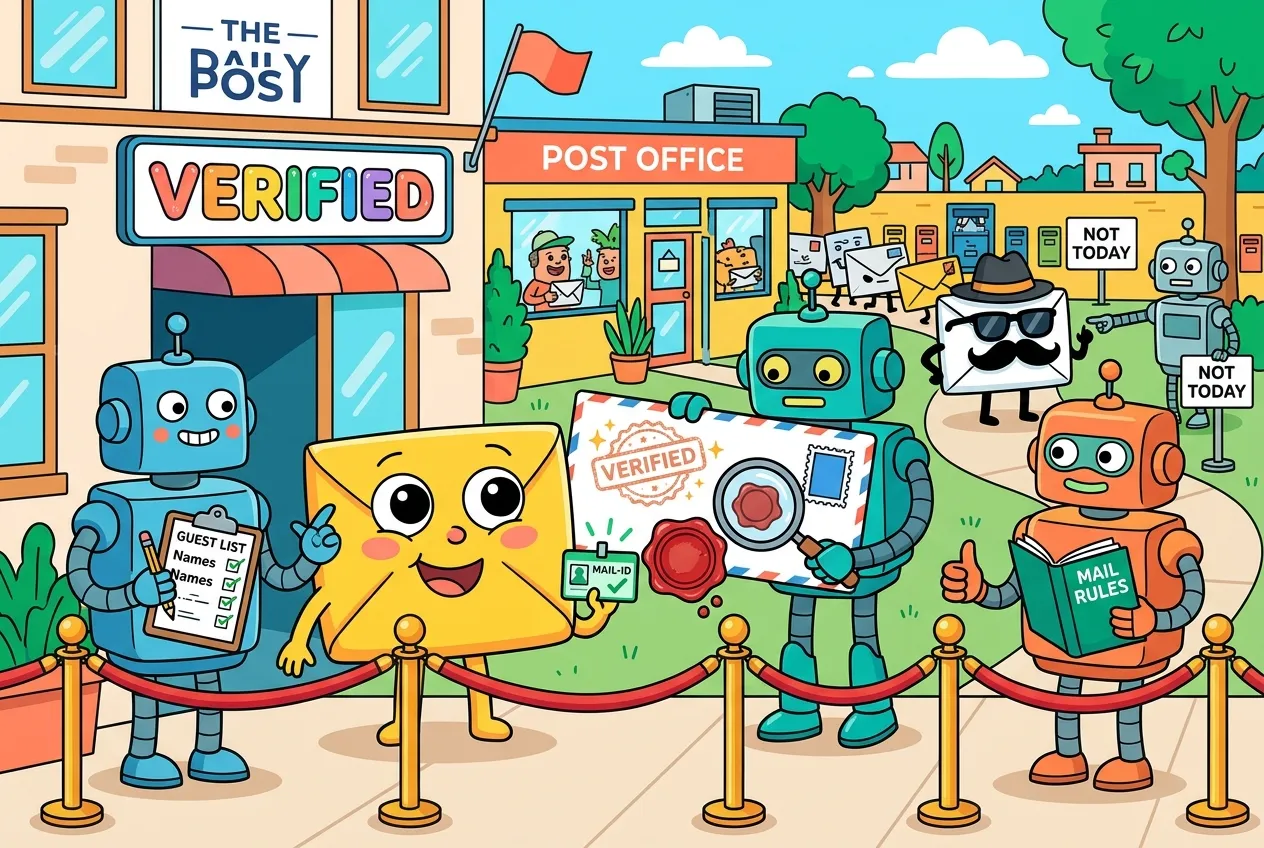
Anyone can type your company's address into the "From" line of an email. The envelope is just text. So how does Gmail or Outlook decide that an invoice really came from you, and not from a scammer down the street?
The answer is three DNS records most people never look at: SPF, DKIM and DMARC. Together they let a receiving mail server check who is allowed to send for a domain, whether the message was altered in transit, and what to do when something doesn't add up. Since 2024 the biggest mailbox providers have made them close to mandatory, and in 2026 DMARC finally became a full IETF standard. Here's how each piece works and how to set them up without breaking your own mail.
Why email needed an ID check
The core email protocol, SMTP, dates from an era when every server on the network more or less trusted every other one. It has no built-in way to prove that the domain in the visible From address belongs to the sender. That gap is exactly what phishing and invoice-fraud emails exploit.
Rather than replace email, the industry bolted on verification that lives in DNS, the same directory system that turns names into addresses. If you want a refresher on how those lookups work, our guide to how DNS works covers the basics. Each of the three records answers a different question:
- SPF: Is this server allowed to send mail for this domain?
- DKIM: Was this message signed by the domain, and is it unchanged?
- DMARC: Does a passing result actually match the From address the reader sees, and what should happen if it doesn't?
SPF: the guest list
Sender Policy Framework (RFC 7208) is a TXT record listing the servers and services permitted to send for your domain. When mail arrives, the receiver looks at the connecting server's IP address and checks it against that list. Strictly speaking, SPF checks the domain used in the SMTP conversation (the HELO name and the MAIL FROM, or "envelope sender"), not the From header your recipient reads. That detail matters later.
The record ends with an "all" mechanism that says how to treat everyone not on the list:
-all(fail): anything else is explicitly unauthorized.~all(softfail): anything else is probably unauthorized.?all(neutral): no opinion, treated the same as having no policy.
DKIM: the tamper-evident seal
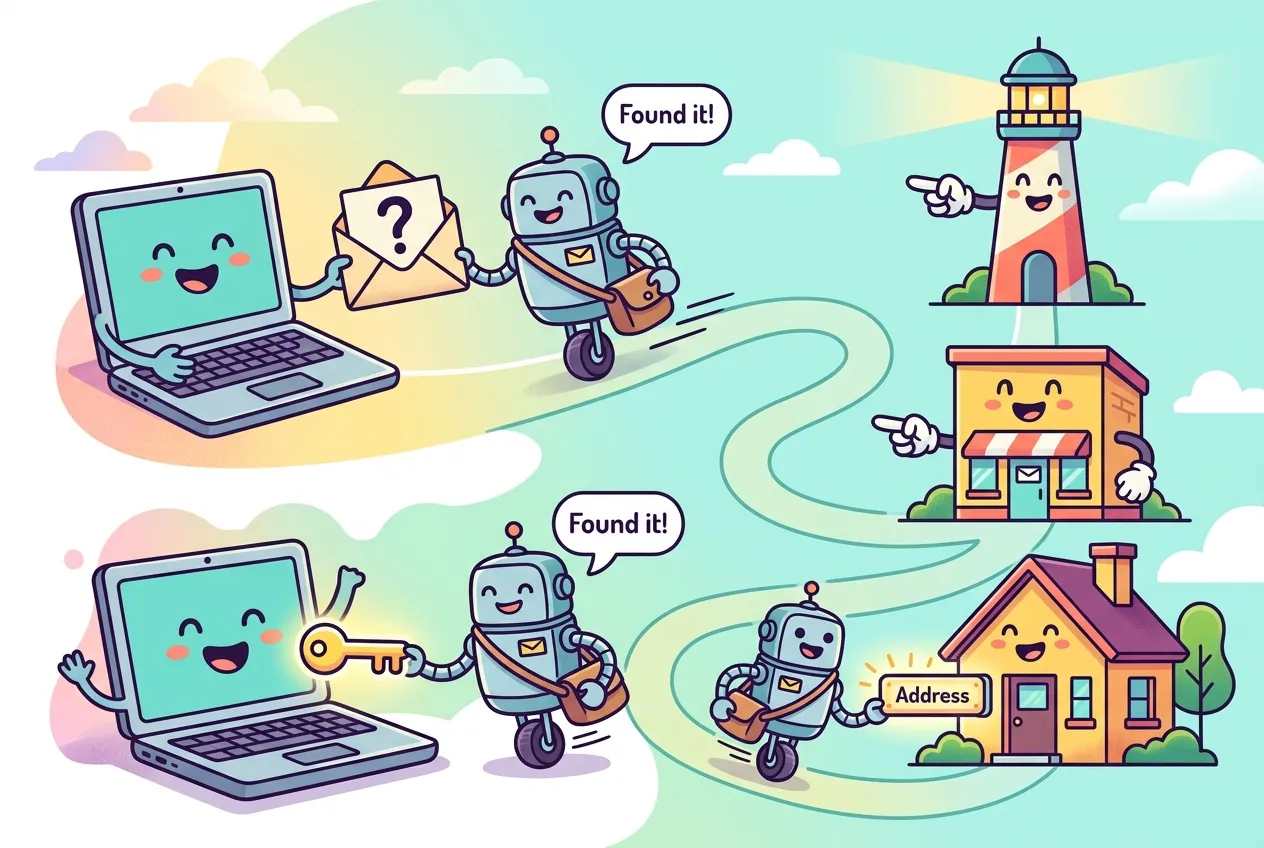
DomainKeys Identified Mail (RFC 6376) adds a cryptographic signature. Your sending server hashes selected headers and the body, signs the result with a private key, and attaches it as a DKIM-Signature header. The matching public key sits in DNS at a name like selector._domainkey.example.com, where the selector lets you run several keys at once, for example one per email provider.
The receiver fetches that public key and verifies the signature. If it checks out, two things are proven: the signing domain authorized the message, and the signed parts weren't modified along the way. Google's sender guidelines require keys of at least 1024 bits and recommend 2048 where your provider supports it.
Because the signature travels inside the message, DKIM usually survives simple forwarding, whereas SPF often breaks when a forwarder resends mail from its own servers. That's one reason it's wise to deploy both.
DMARC: the rulebook that ties it together
SPF and DKIM each verify a domain, but not necessarily the one in the From line. A scammer could pass SPF for their own throwaway domain while displaying yours. DMARC closes that loophole with alignment: a message passes DMARC only if SPF or DKIM passes for a domain that matches the visible From domain.
Alignment comes in two flavors, set with the aspf and adkim tags. Relaxed (the default) accepts any subdomain of the same organizational domain, so mail.example.com aligns with example.com. Strict demands an exact match.
The record lives at _dmarc.yourdomain and tells receivers what to do with failures:
| Policy | What receivers are asked to do | When to use it |
|---|---|---|
p=none | Take no action; just send reports | Starting out, while you discover every legitimate sender |
p=quarantine | Treat failing mail as suspicious (often the spam folder) | Once reports show your real mail passing |
p=reject | Refuse failing mail outright | Full protection against direct spoofing of your domain |
The rua tag requests daily aggregate reports, XML summaries from receivers showing which IPs sent mail using your domain and whether it passed. Those reports are the real value of starting at p=none: they reveal the forgotten newsletter tool or billing system you need to authorize before tightening the policy.
What changed in 2026
For a decade DMARC ran on RFC 7489, an informational document outside the formal standards track. In May 2026 the IETF published RFC 9989, a Proposed Standard that replaces it, with companion RFCs 9990 and 9991 for aggregate and failure reporting. Notable changes include removing the old pct percentage tag, adding a t=y test mode, an np tag for non-existent subdomains, and a DNS "tree walk" for finding the organizational domain instead of relying solely on the Public Suffix List. Existing records with the core tags keep working, but check your tooling if you used pct for gradual rollouts.
What Gmail and Outlook now expect
Authentication stopped being optional for many senders on February 1, 2024, when Google's sender requirements took effect. Every sender to Gmail needs SPF or DKIM, valid forward and reverse DNS, and TLS. Bulk senders, those sending more than 5,000 messages a day to Gmail accounts, need SPF and DKIM, a DMARC record (a p=none policy is enough), From-domain alignment, one-click unsubscribe for marketing mail and a spam rate kept under 0.3%.
Microsoft followed for Outlook.com, Hotmail and Live addresses: from May 5, 2025, domains sending over 5,000 messages a day must pass SPF, DKIM and DMARC, or their mail is routed to Junk. Microsoft has said outright rejection will come later.
A minimal setup you can copy
Here's what a small business using one email provider and one marketing tool might publish. Swap in the values your providers give you:
# SPF: authorize your mailbox provider and one marketing service
example.com.          TXT  "v=spf1 include:_spf.mailprovider.example include:send.marketing.example -all"

# DKIM: public key published by (or for) your provider
s1._domainkey.example.com.  TXT  "v=DKIM1; k=rsa; p=MIIBIjANBgkqh...IDAQAB"

# DMARC: monitor first, collect reports
_dmarc.example.com.   TXT  "v=DMARC1; p=none; rua=mailto:dmarc@example.com"

# Check what's live
dig +short TXT example.com
dig +short TXT _dmarc.example.comA sensible rollout looks like this:
- List every system that sends as your domain: mailboxes, CRM, invoicing, help desk, website forms.
- Turn on DKIM signing in each one and publish its keys.
- Build a single SPF record that stays within 10 lookups.
- Publish DMARC at
p=nonewith a reporting address, and read the reports for a few weeks. - Fix stragglers, then move to
quarantineand eventuallyreject.
DMARC protects your domain from being spoofed; it doesn't stop look-alike domains or stolen passwords. Pair it with user training and phishing-resistant sign-in such as passkeys.
Key takeaways
- SPF lists who may send for your domain; DKIM signs messages so receivers can verify origin and integrity.
- DMARC requires that a passing SPF or DKIM result align with the visible From domain, and sets a policy for failures.
- Start at
p=none, read aggregate reports, then tighten to quarantine and reject. - Gmail and Outlook.com now require all three for senders above 5,000 messages a day.
- DMARC became a Proposed Standard in May 2026 (RFC 9989), dropping the
pcttag.
Frequently asked questions
Do I need SPF, DKIM and DMARC if I only send a little email?
Gmail requires every sender to have at least SPF or DKIM, and having all three protects your domain from being spoofed regardless of volume. They also help your legitimate mail avoid the spam folder.
Will p=reject block my own emails?
It can if a legitimate sending service isn't authenticated and aligned. That's why you start with p=none and use aggregate reports to find and fix every sender before enforcing.
What is the difference between SPF softfail and fail?
A fail (-all) states that unlisted servers are not authorized. A softfail (~all) is a weaker statement that they probably aren't. Under DMARC, either result counts as SPF not passing.
Why does forwarded email sometimes fail DMARC?
A forwarder resends mail from its own servers, so SPF often fails. If the original DKIM signature survives intact, the message can still pass DMARC through DKIM alignment.
Sources
- Google Gmail Help: Email sender guidelines
- IETF RFC 9989: Domain-based Message Authentication, Reporting, and Conformance (DMARC)
- IETF RFC 7489: the original DMARC specification
- IETF RFC 7208: Sender Policy Framework (SPF)
- Cloudflare Docs: Email authentication concepts
- Petri: Microsoft Outlook to enforce stricter email authentication for high-volume senders


Comments
No comments yet — be the first to share your thoughts.
Join the discussion