How OAuth 2.0 Works: Authorization Code Flow, PKCE and Tokens
The delegated-access protocol behind every "Sign in with..." button, step by step
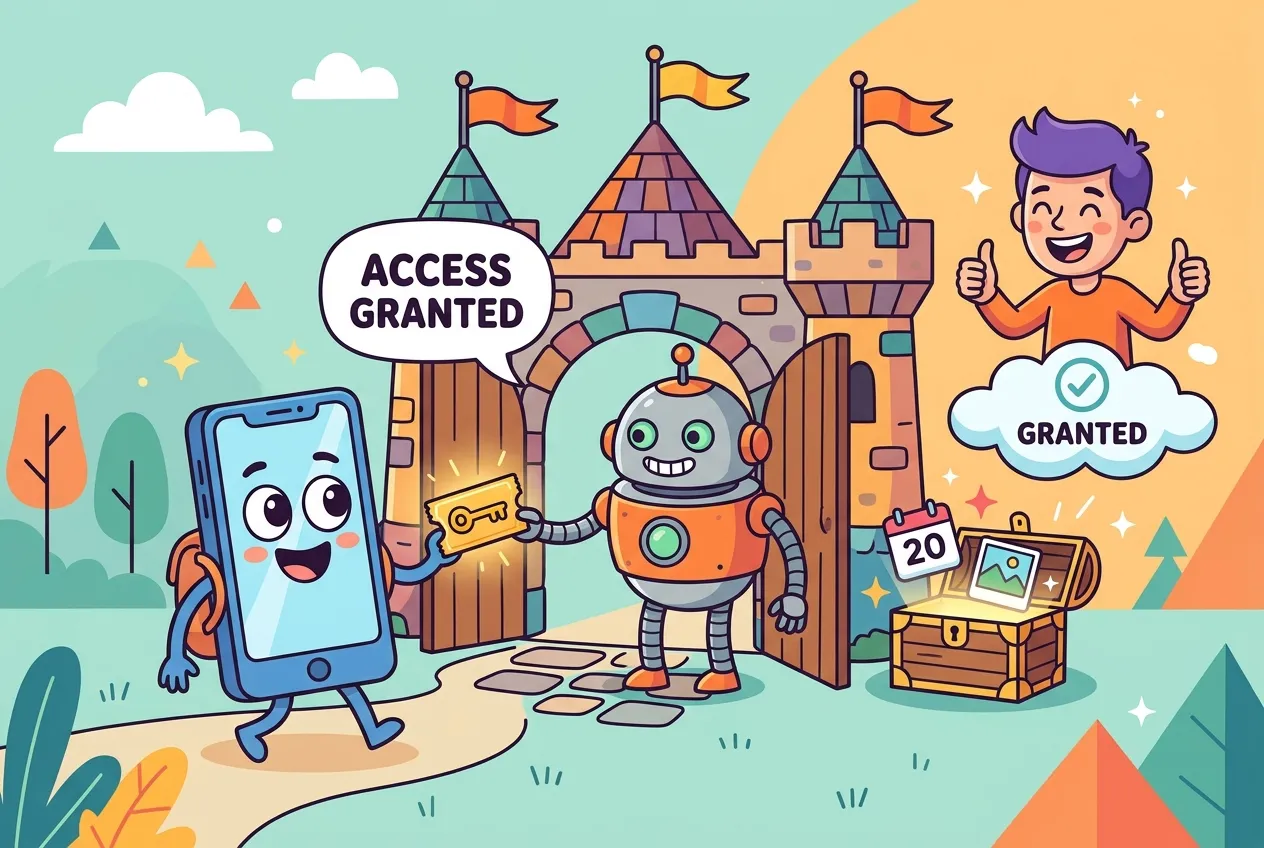
Every time you click "Sign in with Google" or let a calendar app read your inbox, a quiet negotiation happens between three or four servers. Nobody hands over your password, yet the app walks away with exactly the access you approved. That negotiation is OAuth 2.0.
OAuth is one of the most widely deployed security protocols on the web, and also one of the most misunderstood. This guide explains how OAuth 2.0 works: the roles involved, the authorization code flow with PKCE that modern apps should use, what tokens and scopes really are, and which older patterns current IETF guidance tells you to retire.
The problem OAuth solves
Before OAuth, a third-party app that wanted your photos or contacts often asked for your actual username and password. That gave the app full, permanent access to your account, and the only way to revoke it was to change your password everywhere.
OAuth 2.0, published by the IETF as RFC 6749 in October 2012, replaced that with delegated authorization. You approve a limited, revocable grant, and the app receives an access token instead of your credentials.
The four roles
- Resource owner: usually you, the person who can grant access.
- Client: the app asking for access on your behalf.
- Authorization server: signs you in, asks for consent and issues tokens.
- Resource server: the API holding your data, which accepts access tokens.
In practice the authorization server and resource server are often run by the same company, but keeping them separate in your head makes the flows much easier to follow.
How OAuth 2.0 works: the authorization code flow with PKCE
The authorization code flow is the workhorse of OAuth. The current IETF security guidance, RFC 9700 (January 2025), says public clients such as mobile and single-page apps must add PKCE (Proof Key for Code Exchange, RFC 7636), and recommends it for server-side apps too. Here is the full round trip:
- Create a secret. The app generates a random
code_verifier(43 to 128 characters) and hashes it with SHA-256 to produce acode_challenge. - Send the user to authorize. The browser is redirected to the authorization server with the client ID, requested scopes, a redirect URI, a random
statevalue and the code challenge. - Sign in and consent. The authorization server authenticates the user and shows what the app is asking for.
- Get a short-lived code. If the user approves, the browser is redirected back to the app with a one-time authorization code.
- Exchange the code. The app calls the token endpoint directly, sending the code plus the original
code_verifier. - Receive tokens. The server hashes the verifier, checks it matches the stored challenge, and returns an access token and, optionally, a refresh token.
// 1. Generate a PKCE verifier and S256 challenge (browser or Node 20+)
const bytes = crypto.getRandomValues(new Uint8Array(32));
const b64url = (buf) => btoa(String.fromCharCode(...new Uint8Array(buf)))
  .replace(/\+/g, "-").replace(/\//g, "_").replace(/=+$/, "");

const verifier  = b64url(bytes);  // 43 chars, kept secret by the app
const digest    = await crypto.subtle.digest("SHA-256",
                    new TextEncoder().encode(verifier));
const challenge = b64url(digest); // sent in the authorization request

// 2. Redirect the user
const url = new URL("https://auth.example.com/authorize");
url.search = new URLSearchParams({
  response_type: "code",
  client_id: "my-app",
  redirect_uri: "https://app.example.com/callback",
  scope: "calendar.read",
  state: crypto.randomUUID(),
  code_challenge: challenge,
  code_challenge_method: "S256",
});
location.assign(url);Tokens and scopes, demystified
Access tokens
An access token is the key the client presents to the API. RFC 6749 describes it as representing a specific scope and lifetime, and it is usually opaque to the client: the app should not try to read it. Most tokens today are bearer tokens, meaning anyone holding one can use it, so they must only travel over HTTPS. (Our guide to how the TLS handshake protects traffic covers that layer.)
Refresh tokens
Access tokens should be short-lived. A refresh token lets the client quietly get a new one without sending the user back through consent. Refresh tokens go only to the authorization server, never to APIs. For public clients, RFC 9700 requires them to be either sender-constrained or rotated, so each use returns a new refresh token and invalidates the old one.
Scopes
Scopes are space-separated strings, such as calendar.read, that describe what the client wants. The authorization server may grant fewer than requested and must say so. Ask for the smallest set you need: RFC 9700 recommends limiting tokens to minimal privileges and to specific resource servers.
Choosing the right grant type
| Grant | Typical use | Status today |
|---|---|---|
| Authorization code + PKCE | Web, mobile and single-page apps acting for a user | The recommended default |
| Client credentials | Server-to-server jobs with no user involved | Fine for machine access |
| Device authorization | TVs, consoles and CLIs without a good browser | Recommended for input-limited devices |
| Implicit | Old single-page apps; tokens returned in the URL | RFC 9700: should not be used |
| Resource owner password | App collects the user's password directly | RFC 9700: must not be used |
OAuth is not login (that's OpenID Connect)
OAuth answers "what may this app do?", not "who is this user?". Having an access token does not prove who someone is, because tokens can be obtained in several ways. OpenID Connect (OIDC) is an identity layer built on top of OAuth 2.0 that adds an ID token: a signed JSON Web Token with claims such as issuer, audience, expiry and user identifier, meant for the client to read. Access tokens are for APIs; ID tokens are for the app. Mixing them up is a classic bug.
If you are modernizing sign-in more broadly, OIDC pairs well with passkeys for phishing-resistant authentication at the identity provider, and with properly hashed passwords wherever passwords remain.
A security checklist for OAuth implementers
- Use authorization code with PKCE and the
S256method for every user-facing client. - Register exact redirect URIs. RFC 9700 requires exact string matching, with a narrow exception for localhost ports in native apps.
- Validate
state(or rely on PKCE) to stop cross-site request forgery on the callback. - Keep access tokens short-lived and rotate refresh tokens for public clients.
- Consider sender-constrained tokens with mutual TLS or DPoP so a stolen token is useless elsewhere.
- Request minimal scopes and check scope and audience on the API side.
- Use a well-maintained library or identity provider instead of hand-rolling the protocol.
Looking ahead, the IETF's OAuth 2.1 draft folds much of this guidance into one document: PKCE for all code flows, no implicit or password grants, and exact redirect matching.
Key takeaways
- OAuth 2.0 delegates limited, revocable access without sharing passwords.
- The authorization code flow with PKCE is the modern default for any app acting for a user.
- Access tokens go to APIs, refresh tokens go to the authorization server, and ID tokens (from OIDC) prove identity.
- Retire the implicit and password grants; use exact redirect URIs, minimal scopes and short-lived tokens.
Frequently asked questions
Is OAuth 2.0 an authentication protocol?
No. OAuth 2.0 handles authorization, meaning what an app may access. Authentication, proving who the user is, is added by OpenID Connect, which issues an ID token on top of the OAuth flow.
Do server-side web apps need PKCE if they have a client secret?
RFC 9700 recommends PKCE for confidential clients too, and the OAuth 2.1 draft requires it for all authorization code clients. It adds protection against code injection at almost no cost.
Where should a single-page app store tokens?
Avoid long-lived tokens in browser storage. Common patterns are keeping short-lived access tokens in memory with rotating refresh tokens, or moving token handling to a backend that gives the browser a secure, HTTP-only session cookie.
What is the difference between OAuth 2.0 and OAuth 2.1?
OAuth 2.1 is still an IETF draft. It consolidates OAuth 2.0 and later security guidance: PKCE is mandatory, the implicit and password grants are removed, and redirect URIs must match exactly.





Comments
No comments yet — be the first to share your thoughts.
Join the discussion