How Git Works Under the Hood: Blobs, Trees, Commits and Branches
A tour of the tiny database hiding in every .git folder, and why it makes branching instant
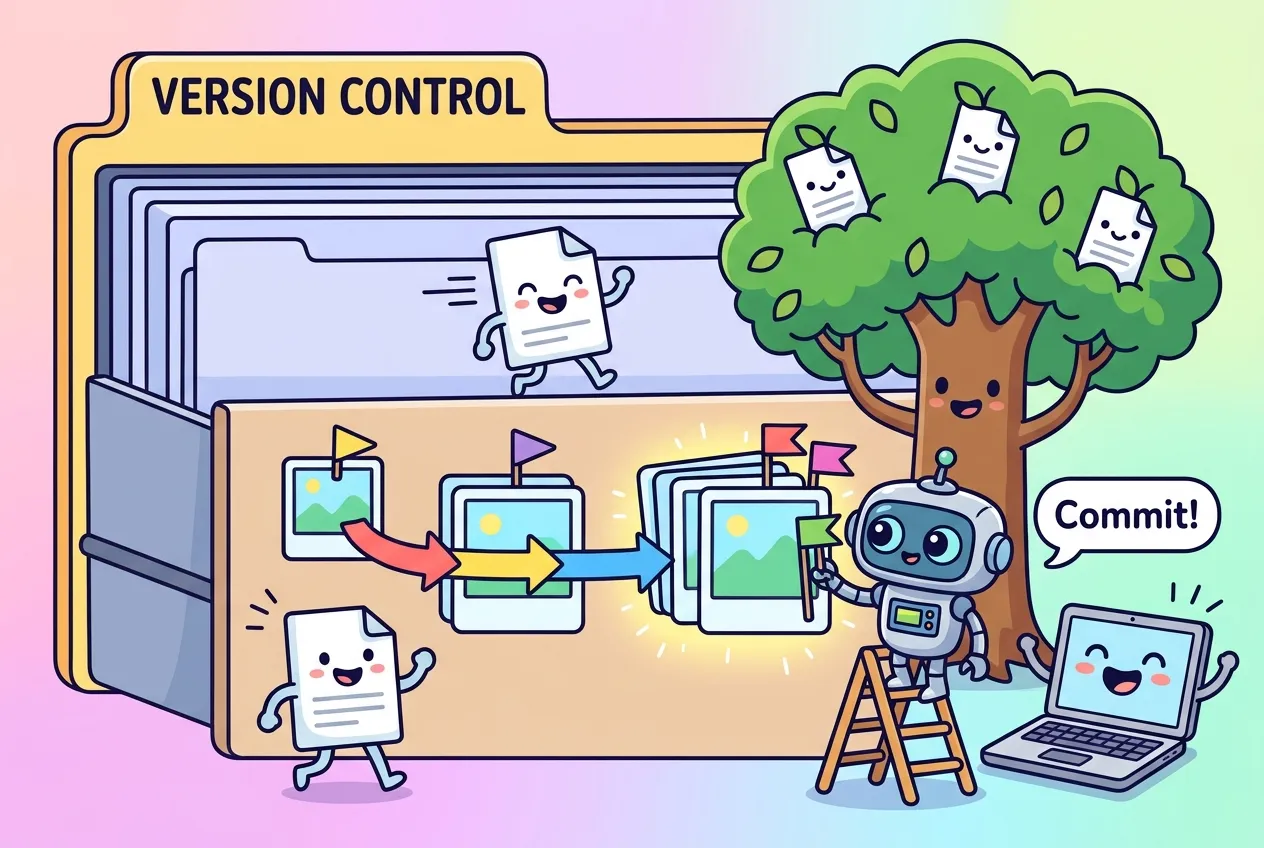
Most developers use Git every day without ever opening the hidden .git folder. That's a shame, because what's inside is surprisingly small and elegant: a little database of files named after their own fingerprints, plus a handful of text files that point at them.
Once you understand how Git works under the hood, a lot of confusing behavior suddenly makes sense. Why is creating a branch instant? What does "detached HEAD" actually mean? Why is it so hard to lose a commit for good? This guide walks through Git's internals, the objects, the references and the packfiles, using commands you can run in any repository.
Git is a key-value store wearing a version-control costume
The official Pro Git book describes Git at its core as a content-addressable filesystem. In plain terms, it's a key-value store: you hand Git some content, and it gives you back a key that you can use to fetch that content later. The key isn't a random ID. It's a cryptographic hash computed from the content itself.
That one choice explains a lot. Identical files produce the same key, so Git stores them once. Change one byte and the key changes completely, which lets Git detect corruption just by re-hashing what it reads.
You can see this in action with a plumbing command. Piping text into git hash-object prints the key Git would use for it:
$ echo -n "what is up, doc?" | git hash-object --stdin
bd9dbf5aae1a3862dd1526723246b20206e5fc37Under the hood, Git doesn't hash your text alone. It prepends a small header, the object type, a space, the size in bytes and a null byte, so the string above is actually hashed as blob 16\0what is up, doc?. Add -w to the command and Git also writes the object to disk, zlib-compressed, under .git/objects/. The first two hex characters of the hash become a folder name and the remaining 38 become the file name.
The objects behind every commit
Everything you've ever committed is built from just a few object types. Here's how they fit together:
| Object | What it stores | Rough analogy |
|---|---|---|
| Blob | The raw contents of one file. No filename, no permissions. | A page of text with no label |
| Tree | A list of entries, each with a mode, object type, hash and name, pointing to blobs or other trees. | A folder listing |
| Commit | The hash of the top-level tree, zero or more parent commits, author and committer lines with timestamps, and the message. | A dated snapshot label |
| Tag (annotated) | A pointer to another object, plus a tagger, date and message. | A sticky note on a snapshot |
Blobs don't know their own names
Filenames live in trees, not blobs. That's why renaming a file without changing it costs almost nothing: the blob stays exactly the same and only the tree entry changes. Tree entries also carry a mode. Pro Git lists the common ones as 100644 for a normal file, 100755 for an executable, 120000 for a symbolic link and 040000 for a subdirectory.
Commits are snapshots, not diffs
Many people assume each commit stores a list of changes. It doesn't. A commit points to a complete tree describing the whole project at that moment. When you run git diff, Git computes the difference on the fly by comparing two trees. The parent line is what links snapshots into history; a merge commit simply has more than one.
Because a commit's hash covers its tree and its parent's hash, changing anything in the past changes every hash after it. That chain is what makes Git history tamper-evident, the same integrity idea that protects data in transit when you connect over HTTPS.
Explore your own repository
You don't need special tools to look around. Try these in any project:
# What does HEAD point to right now?
cat .git/HEAD

# Show the latest commit object, raw
git cat-file -p HEAD

# Show the tree that commit points to
git cat-file -p HEAD^{tree}

# Ask Git what type any object is
git cat-file -t HEAD
cat-file -p pretty-prints an object; -t prints only its type.The commit output is just a few lines of text: a tree hash, parent hashes, author, committer and message.
Branches, HEAD and tags are just pointers
Hashes are great for machines and terrible for people, so Git adds references: small files that map a friendly name to a hash.
- Branches live under
.git/refs/heads/. Each one is a file containing the hash of the latest commit on that line of work. Creating a branch just writes one tiny file, which is why it's instant. - HEAD is usually a symbolic reference, a pointer to a pointer. Its file typically reads
ref: refs/heads/main. When you commit, the new commit's parent is whatever HEAD resolves to, and that branch moves forward. - Detached HEAD happens when HEAD contains a raw commit hash instead of a branch name, for example after checking out a tag or an old commit. New commits still work, but no branch follows them.
- Tags come in two kinds. A lightweight tag is a reference that never moves. An annotated tag points to a full tag object that records who tagged it, when and why.
This also explains why "lost" work is usually recoverable. A commit you abandoned still exists as an object even when no branch points to it, so you can often find it and point a new branch at it. That makes Git a useful safety net alongside the rollback steps in a disaster recovery runbook.
Packfiles: how Git stays small
If every version of every file were stored as a separate compressed file, big repositories would balloon. Git starts with these "loose" objects, then periodically bundles them into packfiles. Per Pro Git, packing happens when too many loose objects pile up, when you run git gc and when you push to a server.
Each pack comes as a pair: a .pack file holding the objects and an .idx index of offsets so Git can jump straight to any one of them. Inside the pack, Git looks for similar files and stores some versions as deltas, just the differences from another version. Notably, it keeps the newest version whole and stores older ones as deltas, since recent versions are what you access most. You can inspect a pack with git verify-pack -v.
What's changing: SHA-256, reftable and main
Git has always used SHA-1 for object names, but the project is preparing to move on. Git's official BreakingChanges document lists several changes planned for Git 3.0, which doesn't yet have a fixed release date:
- SHA-256 by default. Newly initialized repositories will use SHA-256 instead of SHA-1. The document says there's no plan to deprecate SHA-1, and the switch depends on libraries, tools and hosting services being ready.
- Reftable for references. New repositories will store refs in the "reftable" format instead of loose files, which avoids filename collisions on case-insensitive systems and makes bulk and atomic updates faster. You can opt in today with
init.defaultRefFormat. - A default branch called main. New repositories will start on
main, matching what many hosting platforms already use.
Existing repositories keep their current format, so nothing breaks overnight. If you build tooling that parses hashes, though, stop assuming they're always 40 characters: SHA-256 object names are 64.
Key takeaways
- Git is a content-addressable store: every object is named by a hash of its own contents.
- Blobs hold file contents, trees hold names and structure, and commits point to a full snapshot plus their parents.
- Commits are snapshots, not diffs; Git computes diffs when you ask for them.
- Branches, HEAD and tags are lightweight pointers, which is why branching is cheap and lost commits are often recoverable.
- Packfiles and delta compression keep repositories compact, and Git 3.0 plans to default new repos to SHA-256.
Frequently asked questions
Does Git store a full copy of every file in every commit?
Logically, yes: each commit points to a complete snapshot. Physically, unchanged files reuse the same blob, and packfiles store many versions as compact deltas, so disk use stays small.
What is the difference between a branch and a tag in Git?
Both are references to a commit. A branch moves forward automatically when you commit on it, while a tag is meant to stay fixed on one commit, often a release.
Is detached HEAD dangerous?
No. It just means HEAD points at a commit instead of a branch. If you make commits you want to keep, create a branch before switching away so something points to them.
Will my existing repositories have to switch to SHA-256?
No. Git's planned change applies to newly initialized repositories, and the project says it has no current plan to deprecate SHA-1.

Comments
No comments yet — be the first to share your thoughts.
Join the discussion